


Boost Your Small Business with User-Friendly Website Design

In today’s digital-first world, your website is often the first interaction potential customers have with your business. A user-friendly website design is not just a nice-to-have; it’s a critical driver of growth. When your site is easy to navigate, visually appealing, and optimized for conversions, it directly impacts your bottom line. I’ve seen firsthand how smart design choices can transform a small business’s online presence, leading to more leads, increased sales, and stronger customer loyalty.
Let’s explore how investing in user-friendly website design can elevate your business and deliver measurable results.
Why User-Friendly Website Design Matters for Your Business
User-friendly website design means creating a site that visitors find intuitive and enjoyable to use. It’s about removing friction and guiding users effortlessly toward your business goals, whether that’s making a purchase, booking an appointment, or contacting you for more information.
Here’s why it’s essential:
Improved Customer Experience: Visitors stay longer and engage more when your site is easy to navigate.
Higher Conversion Rates: Clear calls to action and streamlined paths to purchase increase sales.
Better Search Engine Rankings: Search engines favor websites that offer great user experiences.
Increased Brand Credibility: A professional, modern design builds trust and authority.
Mobile Optimization: With more users browsing on phones, responsive design is a must.
For example, a local restaurant that revamped its website with a clean layout, easy-to-find menu, and online ordering system saw a 40% increase in online orders within three months. This kind of impact is achievable when design focuses on the user’s needs.
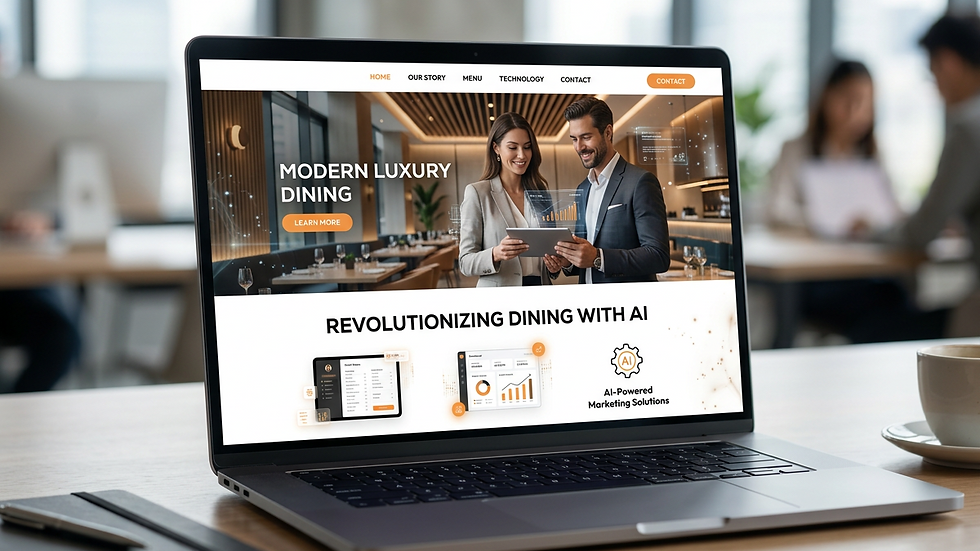
Key Elements of User-Friendly Website Design
To create a website that truly supports your business growth, focus on these core design elements:
1. Clear Navigation
Visitors should find what they need within seconds. Use simple menus, logical categories, and a visible search bar. Avoid clutter and keep navigation consistent across all pages.
2. Fast Load Times
Speed matters. Slow websites frustrate users and increase bounce rates. Optimize images, leverage caching, and choose reliable hosting to keep your site lightning fast.
3. Mobile Responsiveness
Your site must look and function perfectly on smartphones and tablets. Responsive design adapts layouts to different screen sizes, ensuring a seamless experience.
4. Strong Visual Hierarchy
Use size, color, and spacing to highlight important information and calls to action. This guides users naturally through your content and toward conversion points.
5. Accessible Design
Make your website usable for everyone, including people with disabilities. Use readable fonts, sufficient contrast, and alt text for images.
6. Engaging Content
Content should be clear, concise, and focused on benefits. Use headings, bullet points, and visuals to break up text and keep visitors engaged.
7. Trust Signals
Include testimonials, certifications, and secure payment badges to build confidence.
By integrating these elements, your website becomes a powerful tool that attracts, engages, and converts visitors.
Do I Need an LLC to Run a Website?
Running a website for your business does not require forming an LLC (Limited Liability Company). Your website is a digital platform to showcase your products or services, and legally, you can operate it as a sole proprietor or under any business structure you choose.
However, forming an LLC can provide benefits such as:
Personal Liability Protection: Separates your personal assets from business liabilities.
Credibility: Some customers and partners prefer dealing with an LLC.
Tax Flexibility: Potential tax advantages depending on your situation.
If you’re serious about scaling your business and want to protect your personal assets, consulting with a legal or financial advisor about forming an LLC is a smart step. But from a website perspective, the design and functionality are what drive growth, not the business structure itself.
How User-Friendly Website Design Drives More Leads and Sales
A well-designed website acts as your 24/7 sales representative. Here’s how it directly impacts your lead generation and sales:
Simplified Contact and Conversion Paths
When visitors can easily find your contact information, fill out forms, or complete purchases without confusion, conversion rates improve. For example, a medical clinic that streamlined its appointment booking process online saw a 30% increase in patient bookings.
Enhanced Local Visibility
Search engines reward websites that provide excellent user experiences. A user-friendly site with optimized content helps your business rank higher in local search results, making it easier for customers nearby to find you.
Integration with Smart Marketing Tools
Modern websites can integrate with AI-powered chatbots, email marketing, and CRM systems. These tools automate lead capture and follow-up, turning casual visitors into loyal customers.
Mobile-First Design
With mobile traffic dominating, a responsive site ensures you don’t lose potential customers who browse on their phones. A beauty salon that optimized its site for mobile saw a significant boost in appointment requests from mobile users.
Clear Calls to Action (CTAs)
Strategically placed CTAs guide visitors toward desired actions. Whether it’s “Book Now,” “Get a Quote,” or “Shop Today,” clear CTAs reduce hesitation and increase conversions.

Practical Steps to Improve Your Website’s User-Friendliness Today
You don’t need to overhaul your entire website overnight. Start with these actionable steps:
Audit Your Current Site: Identify pain points by testing navigation, load speed, and mobile usability.
Simplify Your Menu: Limit menu items to key pages and use clear labels.
Optimize Images: Compress images to improve load times without sacrificing quality.
Add Clear CTAs: Make sure every page has a clear next step for visitors.
Use Readable Fonts: Choose fonts that are easy to read on all devices.
Test on Multiple Devices: Check your site on phones, tablets, and desktops.
Gather User Feedback: Ask customers or colleagues to navigate your site and provide input.
Implement SEO Best Practices: Use relevant keywords, meta descriptions, and alt text to improve search visibility.
If you want to take it further, partnering with experts who specialize in website design for small businesses can accelerate your results. They bring the latest technology and design trends to create a site that not only looks great but also drives measurable growth.
Unlocking Business Growth Through Intelligent Website Design
Your website is more than just an online brochure. It’s a dynamic platform that can fuel your business growth when designed with the user in mind. By focusing on user-friendly design, you improve customer experience, increase visibility, and boost conversions.
Remember, every element of your website should serve a purpose - to convert visitors into customers. From fast load times to clear navigation and compelling calls to action, each detail contributes to your success.
Investing in a modern, user-friendly website design is investing in your business’s future. It’s the foundation for smarter marketing, better customer engagement, and sustainable growth.
Start today by evaluating your current website and making targeted improvements. The results will speak for themselves - more leads, more sales, and a stronger brand presence in your market.
Ready to transform your online presence? A user-friendly website design is the key to unlocking your business’s full potential.


Comments